
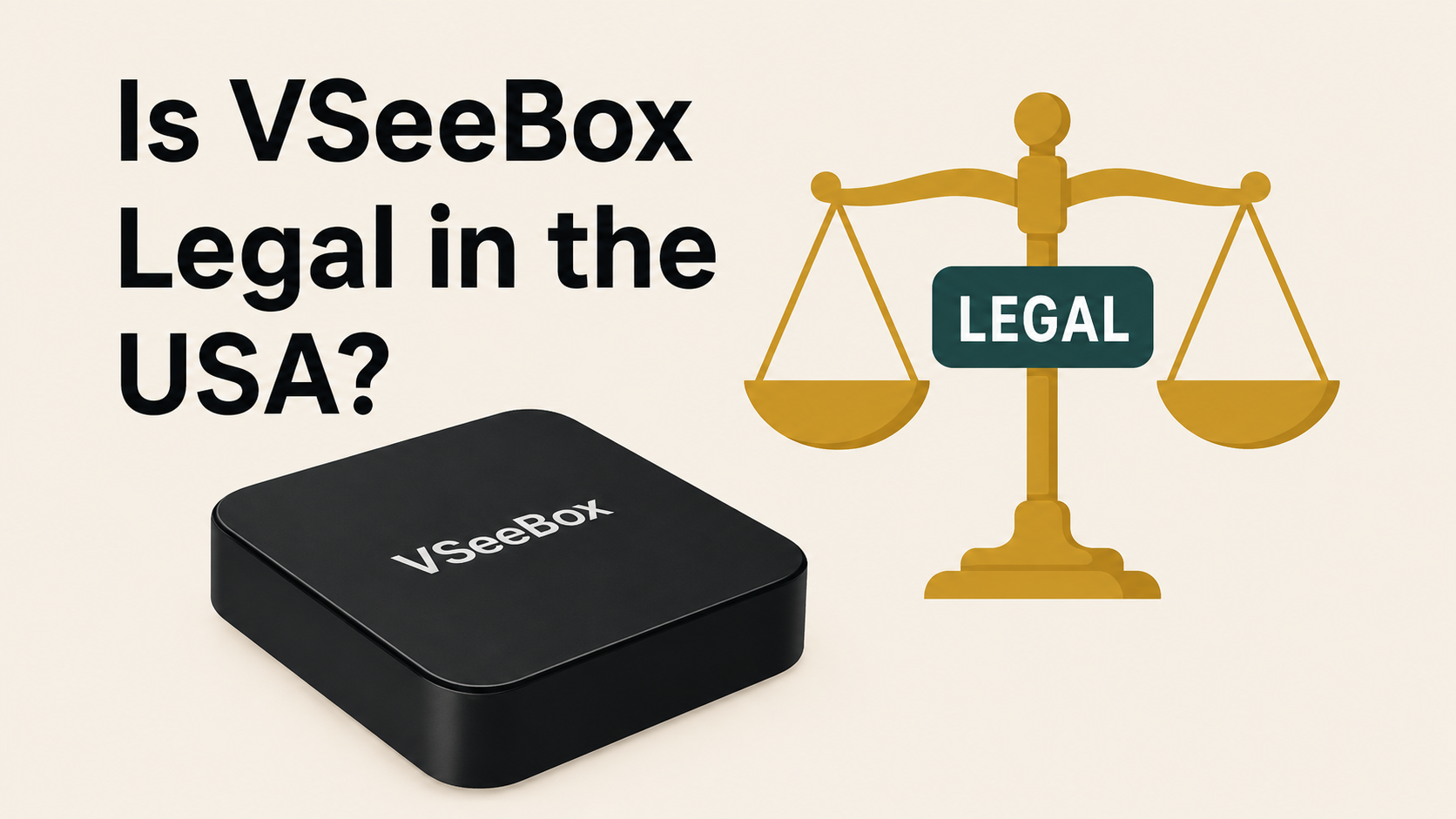
Is vSeeBox legal?
Yes, vSeeBox is fully legal to own and operate in the United States. As the popularity of streaming devices grows, questions about their legality naturally arise. Below, we’ll explain why vSeeBox meets all legal requirements, outline your responsibilities as a user, and clarify key terms so you can stream confidently and compliantly.
The Legal Framework
Device Legality
Owning and using a vSeeBox falls under the same legal protections as any other internet-connected device (smartphone, tablet, computer). It provides a platform for accessing content that is legally available online—nothing more, nothing less.
Content Responsibility
While the hardware itself is legal, users must ensure they only stream from licensed sources. Accessing paid channels, subscription services, or premium content without proper authorization may violate copyright law and expose you to legal liability.
Open-Platform Nature
vSeeBox ships as a blank slate—an open, Android-based entertainment hub. We do not host or endorse any specific streaming service. All applications are user-installed via official app stores or third-party sources. It’s up to each user to verify that every app and every stream complies with copyright and licensing requirements.
Understanding vSeeBox
vSeeBox is an Android TV box engineered for flexibility. It runs standard Android TV OS, supports downloadable apps, and connects via Wi-Fi or Ethernet. There are no built-in paywalls or proprietary services—your experience depends entirely on the apps and subscriptions you choose to install.
What Users Should Do
-
Choose Legitimate Providers
-
Subscribe to services like Netflix, Amazon Prime Video, Hulu, Disney+, or other region-appropriate platforms.
-
-
Verify Copyright Compliance
-
Before streaming, premium channels, or on-demand movies, confirm you have the right subscription or license.
-
-
Stay Informed
-
Keep up with evolving copyright laws and terms of service for each streaming app you use.
-
How does broadcasting processes work in the early days?
In earlier days, the broadcasting stations present on earth received the digital signals, and they were converted into analog waveforms using DAC setups. After that, these analog signals were sent to the users via cable lines. The entire process proved to be not only cumbersome but also quite costly for setup. Moreover, due to the conversions happening at the broadcast stations, lags were introduced in the analog signals also, as these signals used to travel long distances, other waveforms having a similar frequency range used to cause distortions which is why people couldn't see the movies or shows with clarity.
To overcome all these problems, the TV box technology was invented. A TV box is a mini-computer system that can transmit and receive digital signals directly from the broadcasting stations. These signals are then converted into analog waveforms, which are fed to the TV. Inside a TV box, you will find several electronics systems like ADC (Analog to Digital Converter), DAC (Digital to Analog Converter), amplifiers, bandwidth filters, and so on. All these combinations ensure that the signal your TV is receiving doesn't have any lagging or leading sections as well as no distortions.
What are Android boxes?
In the US, the TV boxes are known as Android boxes since they allow streaming channels that one can view only on devices having an operating system like laptops, mobiles, Xbox, and others. Several types of android boxes have been introduced over time, some having a wonderful set of features while some consisting of only the basic features. One such android TV box which has become quite popular in the recent time is vSeeBox V3 Pro. This version of the android box was launched in early 2023, and since then, it has become a hot topic of conversation.
There has been a lot of speculation about vSeeBox, especially its legality. Therefore, in the following discussion, we will conduct an in-depth analysis of this Android TV box from multiple aspects, including features to legal policies.
vSeeBox V3 Plus: Introduction
Compared to the 2023 V3 Pro, the vSeeBox V3 Plus has made significant upgrades by partnering with higher quality hardware suppliers. This has resulted in a remarkable 30% improvement in overall performance. The new V3 Plus is designed to enhance your viewing experience with smoother and a richer, more comprehensive set of features.
With the launch of the vSeeBox V3 Plus, the viewing experience has become more convenient, making it an ideal choice for home use. Powered by the Android 11 operating system and featuring an intuitive user interface, the device allows you to fully enjoy a range of brand-new features.
vSeeBox V3 Plus: Components
The vSeeBox V3 Plus package includes four essential components for easy setup and operation:
TV Box
The main component that you will receive in the package is the vSeeBox V3 Plus device. It features a premium metal shell for better heat dissipation and a sleek appearance. Signals are transmitted and received via the built-in dual-band Wi-Fi 6 antenna (2.4 GHz/5 GHz RTL8822CS 2T2R), ensuring fast, stable connectivity. Powered by the Amlogic 905Y4 chipset, it supports 10-bit HDR decoding up to 8K@60 fps—making the V3 Plus one of the most advanced streaming devices available.
HDMI cable
The next component which you will receive is an HDMI 2.0 cable. It’s essential for connecting the vSeeBox to your TV. This cable transmits digital audio-video signals without lag or distortion and supports 4K Ultra HDR output. A minimal delay of 2–3 seconds is allowed, ensuring seamless playback across all content.
Remote control
A remote control with an in-built sensor allows you to navigate channels, adjust volume, and control streaming easily. It requires two AAA batteries for operation. Features a newly designed Bluetooth remote that is larger and ergonomically shaped, with functionally grouped buttons for easier and more comfortable navigation.
Power supply
Without having a power supply, no appliance will work, not even the vSeeBox V3 Plus. So, while setting up the box, make sure you plug in the power cord in the right port, which is present at the back of the box. Also, be sure that the power supply is properly earthed since without earthing, your Android TV box might suffer as there is no built-in voltage regulator present inside.